YouTube Integration
Written By Richard
Last updated 7 months ago
Sheetfetch makes it incredibly easy to connect YouTube data to Google Sheets without needing any API keys or technical setup. Everything is designed to work in just a few clicks.
No API Key Required
You don’t need to create or manage a YouTube API key. Simply choose your use case, and Sheetfetch handles the rest automatically.
Supported Use Cases
With Sheetfetch, you can easily fetch and sync:
Video list from a YouTube channel
Video list from a playlist
Search results by keyword
Statistics for a specific video
Comments from a video
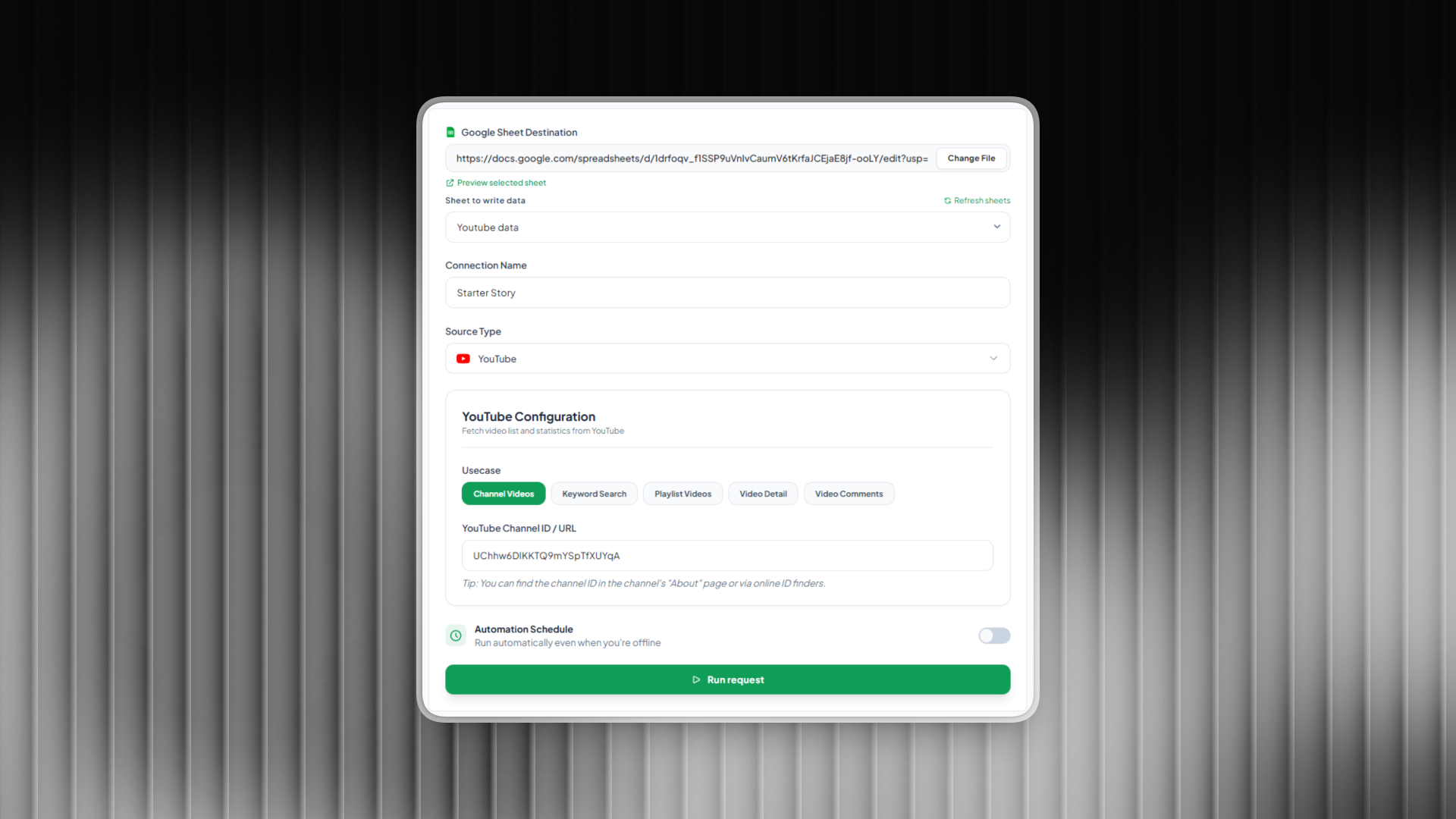
How It Works
Create a new Connection
Select YouTube as your data source
Choose your desired use case
Enter the required input (channel link, playlist URL, keyword, or video link)
Select a Google Sheet to store the data
That’s it. Your data will be fetched and written directly into your sheet.
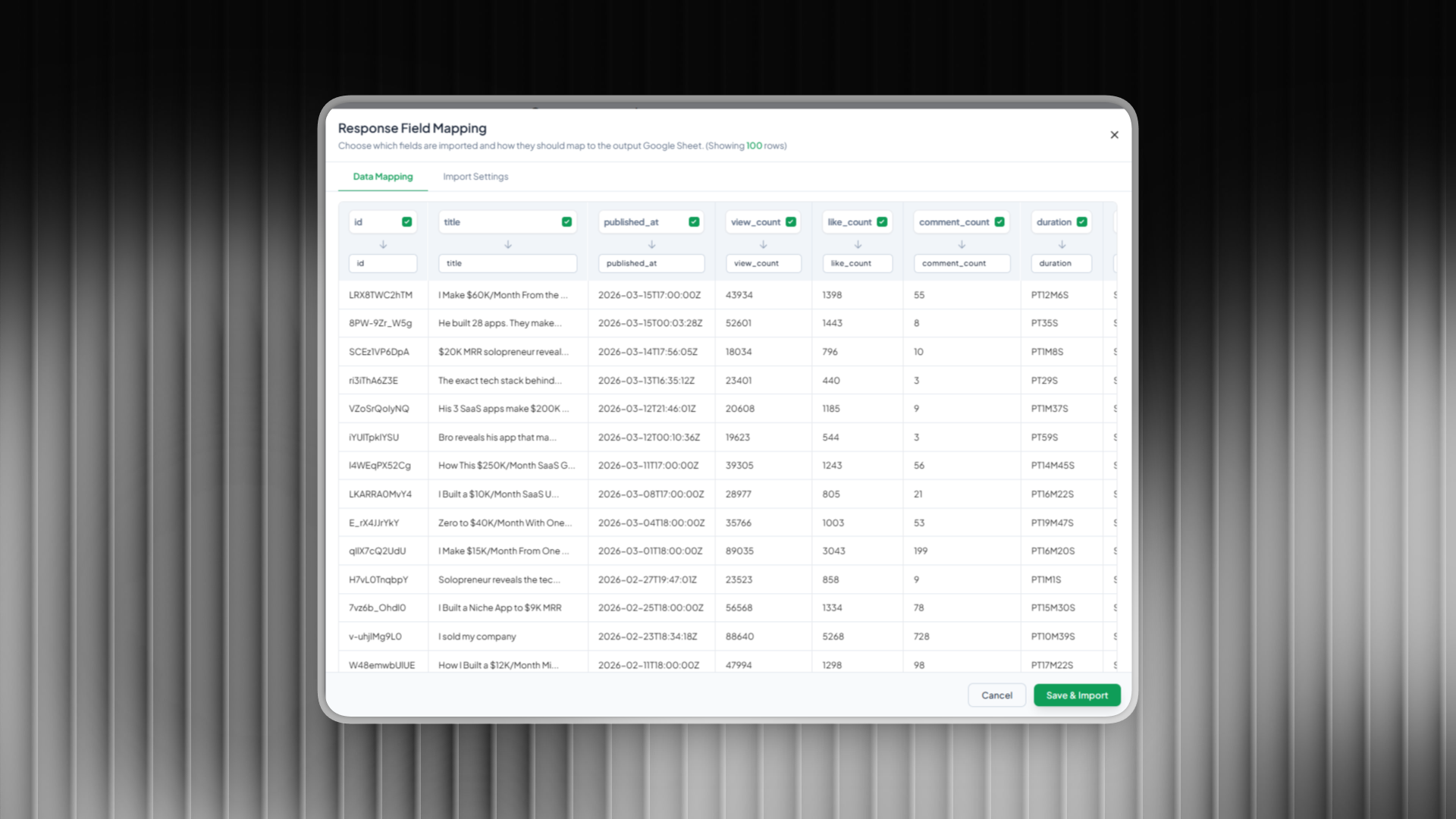
Automatic Sync with Scheduling
You can schedule your connections to run automatically at your preferred interval. This ensures your data is always up to date without any manual work.
Why Use Sheetfetch for YouTube
No API setup required
Beginner friendly
Fast and reliable data syncing
Flexible use cases for different needs
Fully automated with scheduling
Start turning YouTube data into structured insights in Google Sheets in just a few clicks.
Was this helpful?
Still need help? Ask the team